When I use my Android phone every day, I do not want it to be filled with hundreds of unnecessary applications. I prefer apps that actually make my daily tasks easier, save me time, and help me stay organized. The good thing is that Android has a huge collection of free apps for almost every purpose. From communication and productivity to entertainment, file management, and personal organization, there is an app for almost everything.
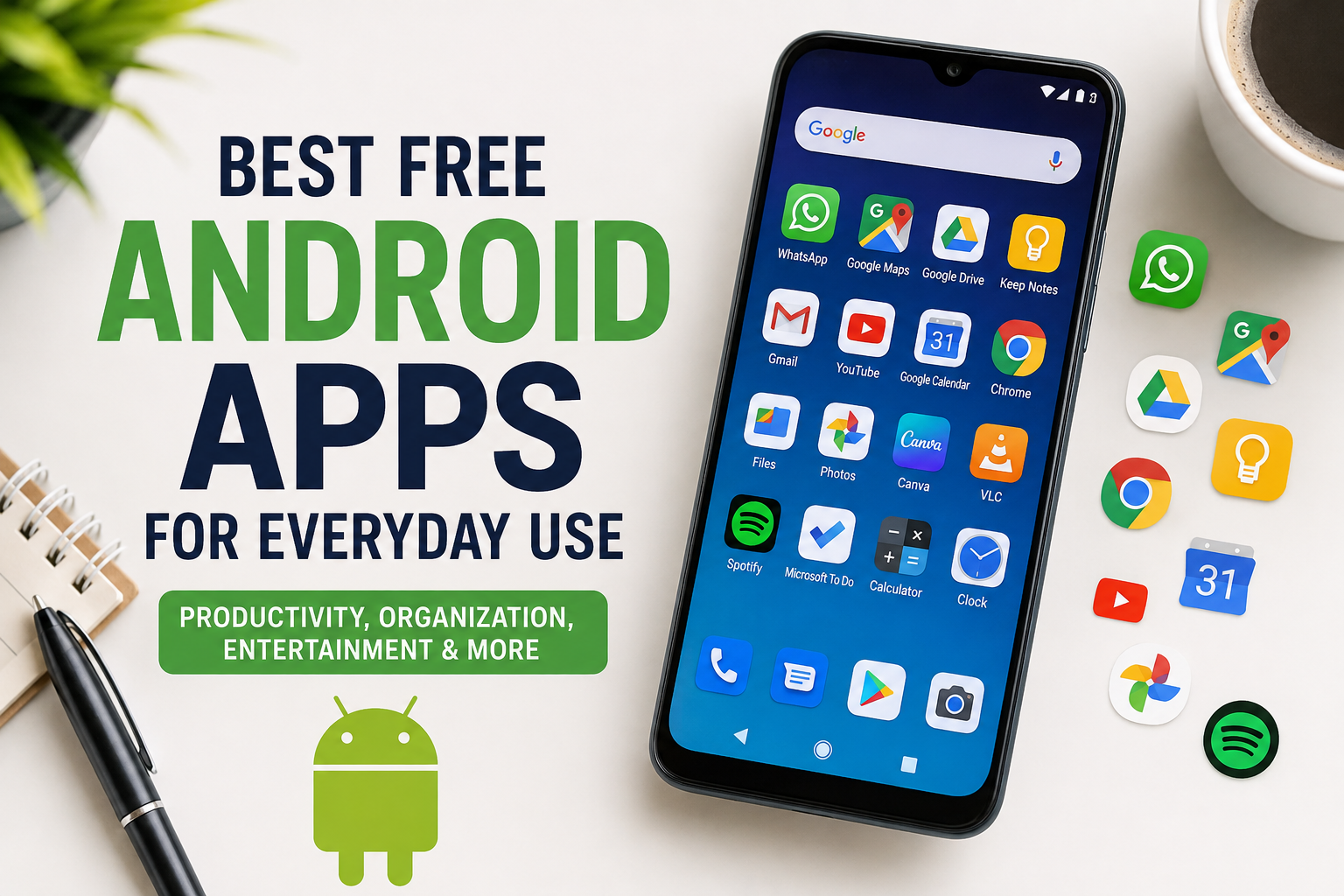
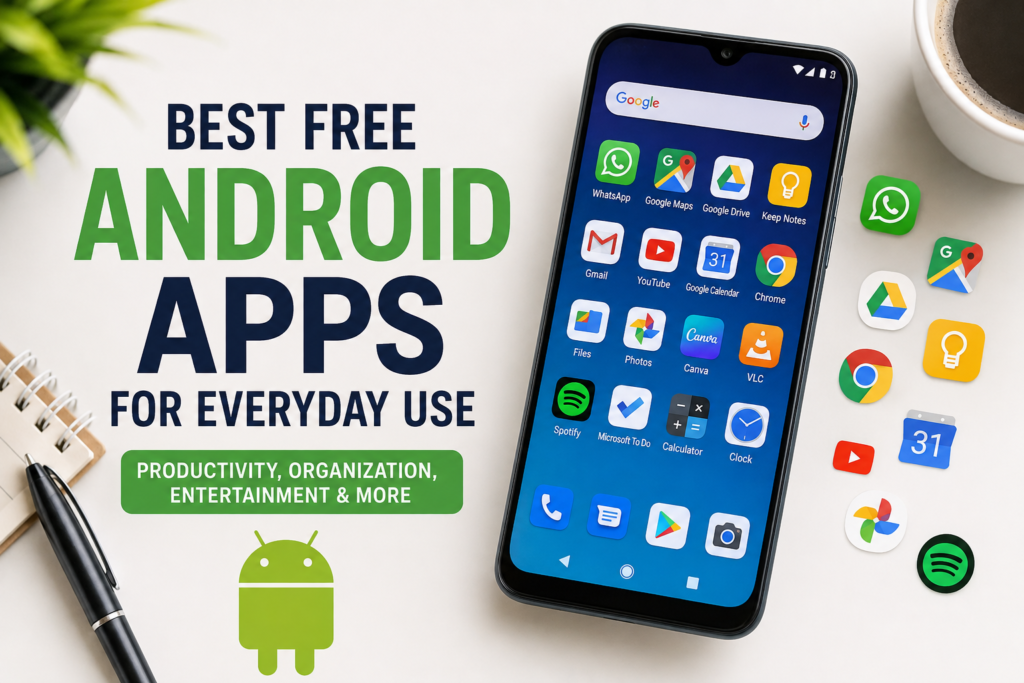
In this article, I am sharing some of the best free Android apps for everyday use. These are the types of apps I would recommend to anyone who wants to make their smartphone more useful without spending money. I have focused on practical applications that can be helpful for students, professionals, business owners, and regular smartphone users.
1. Google Keep for Quick Notes
One of the first apps I recommend for everyday use is Google Keep. I often need to write down an idea, shopping item, reminder, phone number, or something important that I do not want to forget.
Google Keep makes this very simple. I can create a quick note within seconds and organize my information using labels and colors. I also like the fact that I can create checklists for daily tasks.
For example, if I am going shopping, I can create a checklist and mark items as I purchase them. I can also use voice input when I do not want to type.
Another useful feature is synchronization. My notes can be available across supported devices when I use the same Google account. For everyday organization, I find this much easier than keeping random notes in different places.
2. Google Maps for Navigation
Google Maps is another app that I consider essential on an Android phone. Whether I am traveling to a new location or simply trying to find a nearby business, Maps can save a lot of time.
I use it to check directions, explore locations, estimate travel time, and discover places around me. It can also provide information about many businesses, including their locations, opening hours, reviews, and contact details.
One feature I particularly like is the ability to save important places. This can make repeated trips much easier because I do not have to search for the same destination every time.
For anyone who travels regularly, Google Maps is one of those free Android apps that can quickly become part of their daily routine.
3. Google Drive for File Storage
Managing documents and files on a smartphone can become difficult, especially when the device has limited storage. Google Drive provides a convenient way to store and access files online.
I use cloud storage because it gives me another place to keep important documents. Instead of relying completely on my phone’s internal storage, I can upload files and access them later.
Google Drive is particularly useful for documents, PDFs, images, spreadsheets, and other everyday files. It can also make sharing files easier when I need to send something to another person.
For students and professionals, having a reliable cloud storage application can make everyday file management much more convenient.
4. WhatsApp for Communication
Communication is one of the main reasons people use smartphones, and WhatsApp is one of the most commonly used messaging applications.
I find it useful for sending messages, sharing photos and documents, making voice calls, and making video calls. It can also be useful for group conversations with family members, friends, classmates, or coworkers.
One reason I like messaging applications such as WhatsApp is convenience. Instead of sending separate text messages and making traditional calls, I can handle many communication tasks from one application.
However, I always recommend checking privacy settings and being careful about what information is shared through messaging applications.
5. Google Chrome for Web Browsing
A web browser is something I use almost every day, whether I am searching for information, reading an article, checking a website, or looking for a product.
Google Chrome is a popular choice for Android users because it works well with other Google services. If I am already using Google services on my phone, Chrome can provide a familiar browsing experience.
I also find features such as bookmarks, browsing history, tabs, and password management useful for everyday browsing.
The most important thing for me is keeping the browser updated. Updates can provide improvements and important security fixes, so I recommend installing updates when they become available.
6. VLC for Playing Media
Sometimes I want to watch videos or listen to audio files that are already stored on my phone. This is where VLC can be useful.
VLC supports many common media formats and provides useful playback controls. I like having a dedicated media player because I do not always want to depend on a specific application for playing every type of file.
It can be especially useful if I have downloaded videos, personal recordings, or other media files.
The application is also well known among users who want a straightforward media player without unnecessary complexity.
7. Canva for Simple Designs
I often need to create simple graphics for social media posts, presentations, blogs, or personal projects. Canva can make this process much easier.
Even if someone does not have professional graphic design skills, they can use templates and simple editing tools to create attractive designs.
I like using Canva when I need something quickly. Instead of opening complicated desktop design software, I can make a basic design directly from my Android phone.
The free version provides plenty of features for everyday users, although some advanced elements require payment.
8. Google Calendar for Planning
I believe a calendar app is extremely useful for people who have busy schedules. Google Calendar allows me to organize appointments, events, reminders, and important dates.
For example, I can create reminders for meetings, birthdays, deadlines, or personal activities. Having everything organized in one place reduces the chance of forgetting something important.
I also like using calendar notifications because they give me a reminder before an event.
For students, workers, freelancers, and business owners, a calendar can become one of the most useful productivity tools on a phone.
9. Files by Google for File Management
Android phones can quickly become cluttered with downloaded files, images, videos, and documents. Files by Google can help make file management easier.
I can use it to browse files, find downloaded items, organize folders, and remove unnecessary files. The simple interface makes it easier to understand where different files are located.
Before deleting anything, however, I always recommend checking the suggested files carefully. Important personal files should never be removed without verification.
Good file management can also help keep the phone organized and make it easier to find documents when needed.
10. Microsoft To Do for Task Management
When I have several tasks to complete, I prefer writing them down instead of trying to remember everything.
Microsoft To Do provides a simple way to create task lists and organize daily activities. I can separate personal tasks from work or study tasks and mark them as completed.
This type of application may seem simple, but I find it very useful. Even a basic list can make a busy day feel more manageable.
For people who frequently forget small tasks, using a dedicated to do application can be a helpful habit.
11. Spotify for Music and Podcasts
Music is another major part of smartphone usage. Spotify offers a free option for listening to music and podcasts, although the free experience has limitations compared with its paid plans.
I like using it when I am working, traveling, exercising, or simply relaxing. I can discover new artists and create playlists based on my interests.
Podcasts can also be useful when I want to learn something while doing another activity.
The important thing is to use the free version according to its available features and avoid downloading unofficial modified versions of the application.
12. Google Photos for Managing Pictures
Photos can consume a significant amount of phone storage, especially when someone takes pictures and videos regularly.
Google Photos provides tools for viewing, organizing, searching, and managing photographs. I find its search functionality particularly convenient because finding an old photo manually can take a lot of time.
It is also useful for people who frequently take pictures of documents, family events, trips, or personal projects.
I recommend reviewing backup and storage settings regularly so that I know exactly where my photos are being stored and how much cloud storage I am using.
13. Why I Prefer Free Android Apps
For everyday use, I do not think every application needs to be paid. Many free Android apps provide enough functionality for normal users.
However, I also believe that downloading fewer but better apps is a smarter approach. Installing too many applications can make the phone cluttered and may consume storage, battery, or mobile data.
Before installing an app, I usually look at its developer, reviews, permissions, update history, and overall reputation. I avoid applications that request permissions that do not make sense for their purpose.
Security is especially important because an application can have access to sensitive information depending on the permissions granted.
Final Thoughts
There are countless free Android apps available, but I believe the best apps are the ones that genuinely improve everyday smartphone use. Apps for notes, navigation, communication, storage, browsing, media, design, calendars, and task management can make a noticeable difference in how efficiently I use my phone.
My personal approach is simple. I do not install an app just because it is popular. I first think about whether I actually need it. If an application solves a real problem and has a trustworthy reputation, then it earns a place on my phone.
The apps mentioned above can cover many common daily needs without requiring a large budget. The most important thing is to keep applications updated, review permissions, remove apps that are no longer useful, and download applications from trusted sources.
With the right selection of free Android apps, a regular smartphone can become a powerful tool for communication, organization, entertainment, productivity, and everyday life.