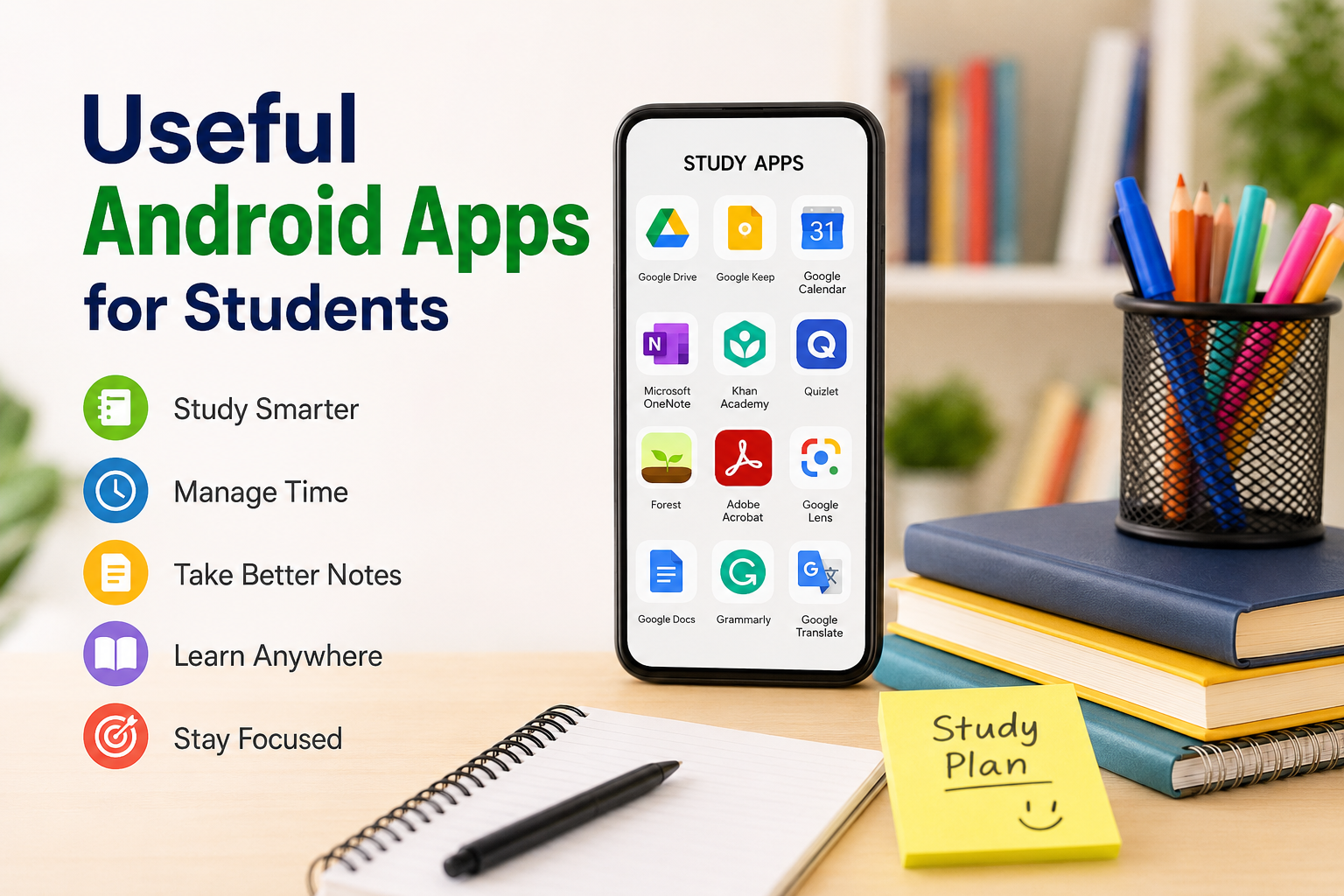
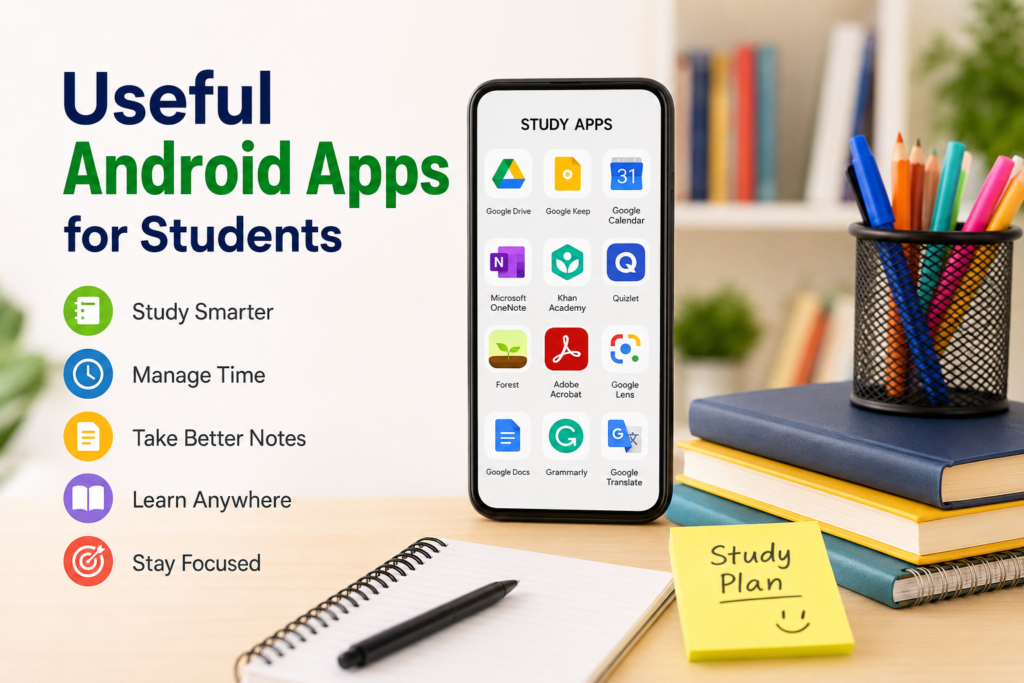
As a student, I know how difficult it can be to manage classes, assignments, notes, exams, deadlines, and personal activities at the same time. A smartphone can sometimes become a distraction, but when I use it properly, it becomes one of the most useful study tools I have. There are many Android apps available today that can help students organize their daily routine, learn difficult topics, take better notes, manage time, and stay focused.
I personally believe that students do not need to install dozens of applications. A few useful Android apps can make a noticeable difference if they are used consistently. In this article, I am sharing some of the most useful types of Android apps that students can use in their everyday academic life.
1. Google Drive for Keeping Study Files Organized
One of the first apps I recommend to students is Google Drive. I find cloud storage extremely useful because students usually have many documents, presentations, PDFs, images, and other files.
Instead of keeping everything only on my phone, I can upload important files to cloud storage and access them from another device whenever needed. This is particularly useful when a phone is lost, damaged, or replaced.
I can also create separate folders for different subjects. For example, I might create folders for mathematics, science, English, computer studies, and other subjects. This makes it much easier to find a particular document when I need it.
Another advantage is that files can be shared with classmates. If someone needs a presentation or study document, sharing a file is much easier than sending large attachments repeatedly.
2. Google Keep for Quick Notes
I often need to write something down quickly before I forget it. This is where a simple note taking app can be extremely helpful.
Google Keep allows me to create quick notes, checklists, reminders, and simple study lists. I can use it to write down homework, important questions, ideas for assignments, or topics that I need to revise later.
I especially like the idea of creating a separate note for each subject. When I remember something important while traveling or during a break, I can quickly open the app and save it.
Students can also use notes for creating small revision points. Instead of writing everything again before an exam, I can keep short explanations and important facts in one place.
3. Microsoft OneNote for Detailed Notes
For students who prefer detailed notes, Microsoft OneNote can be a useful option. I like the fact that it feels more like a digital notebook than a basic notes application.
I can organize notes into notebooks and sections according to my subjects. This can be useful when I have a large amount of study material.
For example, I can create one notebook for college and separate sections for each subject. Inside each section, I can add class notes, explanations, questions, and revision material.
The biggest benefit for me is organization. Instead of having study material scattered across different apps, I can keep much of it together in one structured location.
4. Google Calendar for Managing Classes and Deadlines
Time management is one of the biggest challenges for students. Sometimes I know that an assignment is due, but I forget the exact date. A calendar app can help prevent this problem.
Google Calendar allows me to add classes, exams, assignment deadlines, meetings, and other important events. I can also set reminders so that I do not depend entirely on my memory.
I personally think students should add exam dates as soon as they receive their schedules. The same applies to project deadlines and presentations.
A calendar is not only useful for academic activities. I can also schedule exercise, personal tasks, family events, and study sessions. This gives me a clearer picture of how I should use my available time.
5. Google Docs for Writing Assignments
Writing assignments on a phone may not always be comfortable, but Google Docs is still very useful for students. It allows me to create and edit documents from my Android device.
One major advantage is automatic cloud saving. If I start writing something on my phone and later open the document on a computer, I can continue from where I stopped.
This is helpful when I am working on essays, reports, project ideas, or other written assignments.
Google Docs can also make collaboration easier. If several students are working on the same project, they can work on one document rather than creating multiple versions and combining them later.
6. Grammarly for Improving Writing
Good writing is important for students, especially when preparing essays, reports, applications, and presentations.
Grammarly can help identify certain grammar, spelling, punctuation, and wording issues. I find tools like this useful when I want to review my writing before submitting an assignment.
However, I would not recommend depending completely on any writing assistant. I believe students should understand their mistakes instead of simply accepting every suggestion.
Using a grammar tool as a second check can be helpful, while learning the underlying rules can improve writing skills over time.
7. Google Translate for Language Learning
Students often come across words or sentences in another language. Google Translate can be useful in such situations.
I can enter a word, phrase, or sentence and get a translation quickly. The app can also be useful when learning vocabulary.
For example, if I am reading an English article and find an unfamiliar word, I can check its meaning instead of ignoring it. Over time, this can help expand my vocabulary.
I would still recommend checking important translations carefully because automatic translation is not perfect in every situation. It works best as a learning aid rather than a complete replacement for language study.
8. Khan Academy for Learning Difficult Topics
Sometimes classroom lessons are not enough for me to fully understand a difficult topic. Educational apps can give me another way to learn.
Khan Academy offers educational lessons and practice material covering various subjects. Students can use such resources to review concepts at their own pace.
I like this approach because I can pause, repeat, and review material whenever I need to. In a classroom, I might feel uncomfortable asking the same question several times, but when studying through an app, I can revisit a topic as many times as necessary.
This can be especially useful before examinations when I need additional practice.
9. Quizlet for Revision and Flashcards
Memorizing information can be challenging, especially before exams. Quizlet can help students create and use digital flashcards.
I can make flashcards containing questions on one side and answers on the other. This is useful for vocabulary, definitions, formulas, historical facts, and other information that requires memorization.
Flashcards also make revision more interactive than simply reading the same chapter repeatedly.
I prefer using short study sessions with flashcards rather than trying to memorize everything in one sitting. Regular revision usually feels more manageable.
10. Forest for Staying Focused
One of the biggest problems with studying on a smartphone is distraction. I might open my phone to check one thing and then spend twenty minutes watching unrelated content.
Focus apps such as Forest are designed to encourage users to stay away from distractions while working.
The basic idea is simple. I start a focused session and avoid leaving the app for distracting activities. This can turn studying into a small challenge.
Students who struggle with constantly checking social media may find this kind of app helpful. However, the most important part is developing self discipline. No application can completely replace good study habits.
11. Adobe Acrobat Reader for PDF Study Material
Students receive a lot of study material in PDF format. This may include textbooks, lecture notes, assignments, research papers, and exam instructions.
Adobe Acrobat Reader allows me to open PDF files on my Android phone. I can read documents while traveling or during free time without carrying printed pages everywhere.
For students who regularly work with digital documents, having a reliable PDF reader can save time.
12. Google Lens for Learning From Images
Google Lens is another interesting tool that students can use. It can recognize information from images and provide useful results.
For example, if I see a difficult word in a book, I can use my phone camera to explore it. It can also help identify objects, copy text from images, and perform other visual searches.
I think this type of technology can be useful when studying from printed books and handwritten material.
How I Would Choose Android Apps as a Student
I do not think students should install every educational app they find. Too many applications can actually make studying more complicated.
I would first identify my biggest problem. If organization is difficult, I would choose a calendar and note taking app. If I struggle with revision, I would use flashcards. If I get distracted easily, I would try a focus app.
I would also check how much storage an application uses and whether it requires unnecessary permissions. Keeping my phone organized is just as important as keeping my study files organized.
Final Thoughts
Android phones can be much more than devices for entertainment. When I use the right applications, my phone can become a digital notebook, calendar, study assistant, document reader, and learning resource.
Apps such as Google Drive, Google Keep, Google Calendar, Google Docs, OneNote, Quizlet, Khan Academy, and PDF readers can make different parts of student life easier. The key is not the number of apps installed but how effectively they are used.
From my point of view, the best approach is to start with a few applications that solve real problems. I would rather use five useful apps regularly than install twenty applications that I rarely open.
Technology cannot replace hard work, concentration, or consistent revision. However, when used wisely, Android apps can help students organize their time, access learning material, improve their skills, and make everyday study tasks more convenient.