Mobile data has become one of those things I never want to waste. I use my phone for almost everything, including browsing websites, watching videos, checking social media, chatting with friends, listening to music, and sometimes working. The problem is that all of these activities can quietly consume a lot of mobile data. Before I realized it, I would sometimes reach my monthly data limit much earlier than expected.
Over time, I started paying more attention to how my Android phone was using data. I also discovered that some apps and tools can help reduce unnecessary mobile data consumption. These apps do not magically give me unlimited internet, but they can help me understand where my data is going and prevent certain apps from using data when I do not need them.
In this article, I will share some of the Android apps and tools I find useful for saving mobile data. I will also explain how I personally use them and what kind of users can benefit from each option.
Why Saving Mobile Data Matters
For me, saving mobile data is not only about spending less money. It is also about having better control over my phone. Some apps continue using the internet in the background even when I am not actively using them. They may check for updates, synchronize information, download media, or refresh content.
Video apps are usually some of the biggest data consumers. Social media apps can also use a surprising amount of data because of automatic videos, images, stories, and advertisements.
If I have a limited mobile data package, I want every megabyte to be useful. This is why I prefer using apps and settings that give me more control over my internet usage.
1. Google Chrome
Google Chrome is one of the first apps I consider when talking about browsing and data usage. While modern websites can still consume plenty of data, Chrome provides several useful settings that can help me browse more efficiently.
One of the simplest things I do is avoid opening too many media heavy websites while using mobile data. I also keep unnecessary tabs closed because I prefer keeping my browser organized.
Chrome can also warn me when I are using mobile data and help me manage permissions and downloads. Another useful habit is avoiding automatic downloads from websites unless I actually need the file.
For people who spend a lot of time browsing on Android, Chrome is worth checking because small browsing habits can make a noticeable difference over an entire month.
2. Opera Mini
Opera Mini has been popular for years among people who want to reduce mobile data consumption while browsing. Its main advantage is that it is designed with data saving in mind.
When I use a browser such as Opera Mini, pages can be optimized so they require less data to load. This can be especially useful when I am browsing simple websites or reading articles on a slower mobile connection.
Another thing I like about a data saving browser is that it can make browsing more comfortable when the network is not very fast. Instead of loading unnecessarily large amounts of content, the browser focuses on delivering the page more efficiently.
If mobile data is expensive or limited in your area, trying a lightweight browser can be a practical option.
3. GlassWire
GlassWire is useful for a different reason. Instead of simply trying to reduce data usage, it helps me understand which apps are consuming my mobile data.
The app can show data usage information and help identify applications that are using more data than expected. This is important because sometimes I do not realize that a particular application is responsible for a large portion of my monthly usage.
For example, if I notice that an app I rarely use is consuming a lot of background data, I can investigate its settings and restrict its background activity.
I think this type of information is extremely useful because you cannot solve a data problem properly until you know what is causing it.
4. Data Monitor Apps
There are several data monitoring applications available for Android that can help users track their daily and monthly usage. The exact features depend on the app, but the basic idea is simple.
I like having a clear idea of how much data I have already used and how much is remaining. A good data monitoring app can make this easier by displaying usage statistics in a simple format.
Some monitoring apps can also provide alerts when I reach a certain amount of usage. This means I do not have to constantly check my mobile provider’s application.
For someone with a strict monthly data limit, setting an alert can be one of the easiest ways to avoid unexpectedly running out of data.
5. YouTube
YouTube is probably one of the apps where I notice the biggest difference in data consumption. Watching high quality videos on mobile data can use a lot of internet very quickly.
Fortunately, YouTube offers settings that allow users to reduce video quality when using mobile data. I personally prefer lower or moderate video quality when I am not connected to WiFi.
I also avoid downloading large videos using mobile data unless it is necessary. If I know I will watch something later, I prefer downloading it while connected to WiFi.
Another useful habit is avoiding long videos in high resolution when I am trying to save data. The difference between watching a video at a lower quality and a very high quality can be significant.
6. Spotify and Other Music Apps
Music streaming may not consume as much data as video streaming, but it can still add up if I listen for several hours every day.
Apps such as Spotify provide options for controlling audio quality. When I am using mobile data, I prefer a reasonable quality instead of the highest available setting.
Offline listening is even better for saving mobile data. If I know that I will listen to the same playlists regularly, I can download them over WiFi and listen without continuously streaming them.
This is one of my favorite methods because I can enjoy my music without worrying about how much data each song is consuming.
7. Facebook and Instagram
Social media applications can quietly use a large amount of mobile data because they constantly load photos, videos, stories, and other media.
When I am trying to reduce data usage, I check the data saving options inside these apps. Many social platforms provide settings that reduce media quality or prevent videos from loading automatically.
I also avoid scrolling through endless video feeds when I am using mobile data. It is surprisingly easy to spend thirty minutes watching short videos without realizing how much data has been consumed.
A small change in my social media habits can sometimes save more data than installing another application.
8. Google Maps
Google Maps can also use mobile data, especially when I am navigating for a long time. However, one feature I find extremely useful is offline maps.
When I know that I will be traveling somewhere, I can download the relevant map area while connected to WiFi. This allows me to use navigation in many situations without constantly downloading map information through mobile data.
Offline maps are particularly useful when traveling through areas with weak network coverage. They can also reduce unnecessary mobile data consumption during long journeys.
9. Datally Alternatives
Google’s Datally app was designed specifically to help Android users manage mobile data, but it is no longer available as a current Google app. Because of this, I would not recommend searching for unofficial copies of it.
Instead, I prefer using Android’s built in data management features along with trusted data monitoring applications.
This is an important point because when searching for old apps, users can sometimes find modified or unofficial versions on unknown websites. Installing such applications can create unnecessary security and privacy risks.
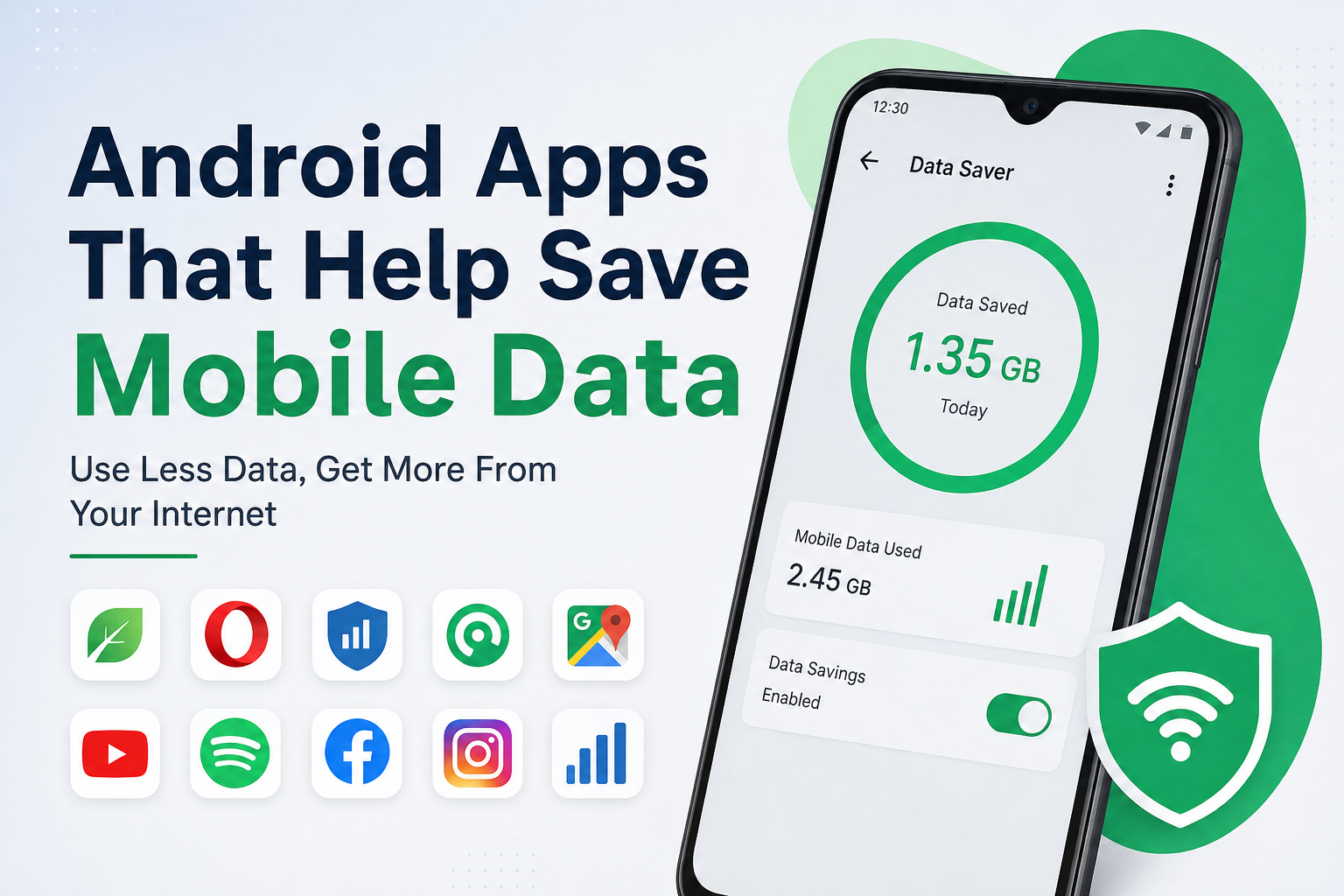
10. Android’s Built In Data Saver
Although this is not technically a separate app, I think Android’s built in Data Saver feature deserves attention.
Data Saver can help reduce background mobile data usage. When I enable it, certain applications have less freedom to use mobile data in the background.
I usually check which apps need unrestricted access and which ones can wait until I open them. This gives me a better balance between saving data and keeping important notifications working normally.
The exact location of Data Saver can vary depending on the Android version and phone manufacturer, but it is generally available somewhere in the network or mobile data settings.
Other Habits That Help Me Save Data
Apps can help, but I believe habits are just as important. One of the biggest things I do is use WiFi whenever it is available and trusted.
I also disable automatic app updates over mobile data. Large updates can consume a significant amount of internet, so I prefer updating applications through WiFi.
I avoid automatically downloading photos and videos in messaging applications. If someone sends me a large video, I can decide whether I actually want to download it.
Cloud backup settings are another thing worth checking. Uploading large photos and videos over mobile data can quickly increase usage. I prefer configuring backups to work over WiFi whenever possible.
I also regularly check Android’s mobile data usage page. This gives me a better understanding of my habits and helps me notice unusual changes.
My Final Thoughts
Saving mobile data on Android does not require complicated tricks. In my experience, the biggest improvement comes from understanding which applications consume the most data and changing their settings accordingly.
Apps such as GlassWire can help monitor usage, while browsers such as Opera Mini can make browsing more data friendly. YouTube and music streaming apps provide quality controls, while Google Maps can be used with offline maps. Android’s own Data Saver feature can also reduce unnecessary background usage.
However, I believe the most effective approach is combining these tools with simple habits. I use WiFi whenever possible, avoid unnecessary video streaming, control automatic downloads, and regularly check my data usage.
If your mobile data package disappears faster than expected, I recommend starting by checking your Android data usage statistics. You may discover that one or two apps are responsible for most of the consumption. Once you identify them, changing a few settings can make your mobile data last much longer.
For me, saving mobile data is mainly about being aware of how I use my phone. I do not need to stop using my favorite apps. I simply need to use them more intelligently. With the right settings, trusted apps, and a few simple habits, an Android phone can become much more efficient with mobile data.