I use my Android phone for almost everything, from reading and listening to music to taking notes, managing files, watching videos, and learning new things. The only problem is that many apps today are designed around a constant internet connection. When the internet is slow, mobile data is limited, or I am traveling somewhere with poor network coverage, these apps can become less useful.
That is why I think having a good collection of offline Android apps is extremely important. Offline apps can make a phone more useful even when there is no WiFi or mobile data available. They can also help save mobile data and sometimes improve the overall phone experience.
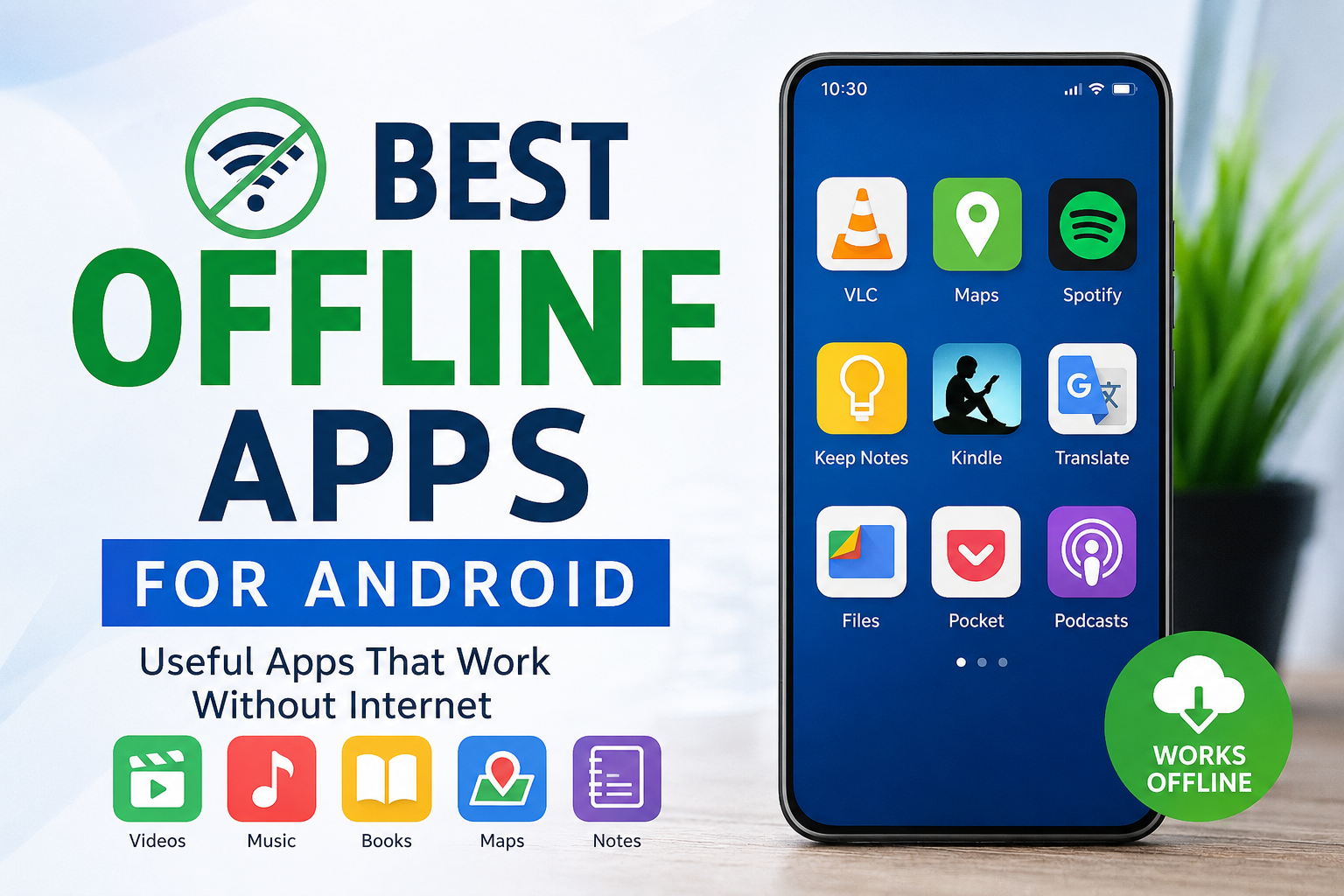
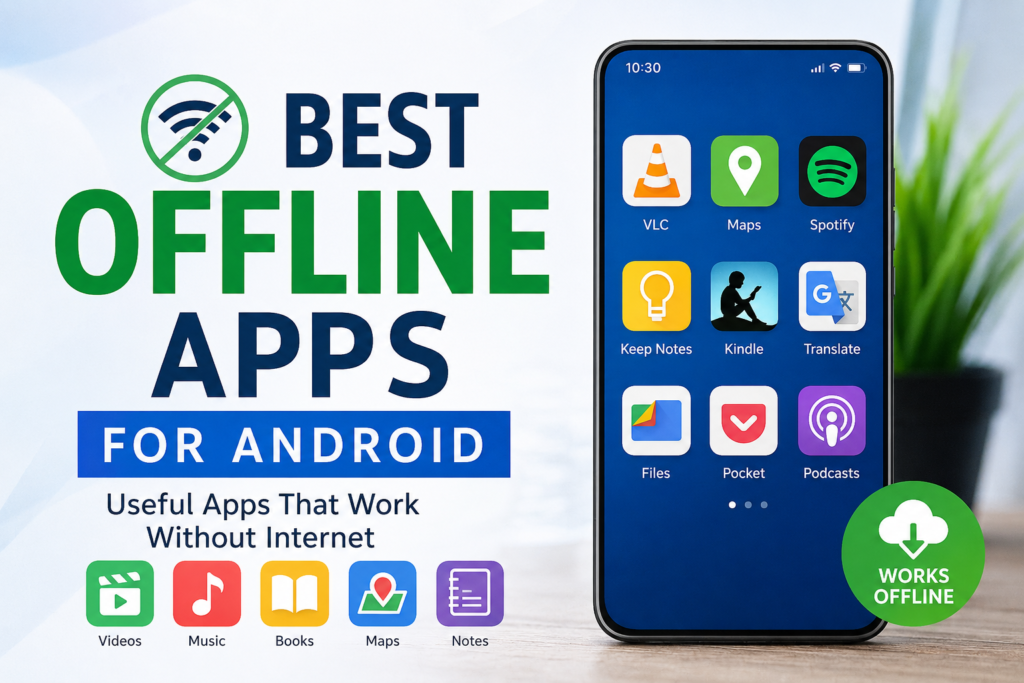
In this article, I am sharing some of the best offline apps for Android that I personally find useful. These apps cover different needs, including reading, music, video, notes, navigation, file management, productivity, and entertainment.
Why I Prefer Offline Apps
Before talking about individual apps, I want to explain why I like offline apps so much. The biggest advantage is simple. They work without an active internet connection.
Imagine traveling by bus or sitting somewhere where mobile signals are weak. Instead of worrying about the internet, you can open your downloaded books, music, videos, maps, or notes and continue using your phone normally.
Offline apps are also useful for saving mobile data. Streaming music and videos for several hours can consume a large amount of data. If I download the content beforehand, I can enjoy it later without using my mobile data.
Another benefit is reliability. An app that depends completely on an internet connection can stop working at the worst possible time. Offline apps give me more control because important information is already stored on my phone.
1. VLC Media Player
VLC Media Player is one of my favorite choices for watching videos and listening to audio files offline. Once I have media files stored on my phone, I can play them without needing an internet connection.
One thing I really like about VLC is that it supports many different video and audio formats. This means I usually do not need to convert a file before playing it.
VLC also provides useful features such as subtitles, playback controls, audio adjustments, and support for different video qualities.
For people who keep movies, lectures, educational videos, or personal recordings on their Android phones, VLC can be a very useful offline media player.
2. Google Maps
Google Maps is mostly known as an online navigation app, but its offline map feature makes it much more useful when traveling.
I can download a map area before starting a journey and then use the downloaded map when an internet connection is unavailable. This can be especially helpful when traveling through areas with weak network coverage.
Offline maps can help me find roads and places within the downloaded area. However, some online features may not be available without an internet connection.
I recommend downloading the required map area before traveling instead of waiting until the network becomes unavailable.
3. Spotify
Spotify is another useful app if you want to listen to music without an internet connection. Its offline listening feature allows supported users to download music, albums, and playlists for later listening.
Personally, I think downloading a few favorite playlists before traveling is a smart idea. It means I do not have to continuously stream songs and use mobile data.
Offline music is especially useful during long journeys, flights, or situations where the internet connection is unreliable.
Keep in mind that offline music availability depends on the Spotify plan and the content you have downloaded.
4. Google Keep
Google Keep is excellent for taking quick notes, and I like it because I can create and edit notes even when I am offline.
If I suddenly remember something important, I do not want to wait for an internet connection before writing it down. I can simply open the app and save the information.
I can use it for shopping notes, ideas, reminders, study points, personal thoughts, or small tasks.
When the internet becomes available again, the changes can synchronize with my Google account.
For people who like keeping their thoughts organized, Google Keep is a simple and practical choice.
5. Kindle
For people who enjoy reading, Kindle can be a great offline companion. After downloading books to the device, I can read them without an active internet connection.
I particularly like this option when traveling because I can carry several books on my phone without carrying physical copies.
Reading offline can also be easier on mobile data because I am not constantly loading online pages.
The Kindle app provides different reading options that can make long reading sessions more comfortable. If you enjoy novels, educational books, or other digital reading material, keeping a few downloaded books can be very useful.
6. Google Translate
Google Translate can also be useful offline if the required language packs are downloaded beforehand.
This is something I find especially helpful when traveling. Internet access is not always guaranteed when I am in another location, so having language information available offline gives me some extra confidence.
Before traveling, I can download the languages I expect to need. Then I can use basic translation features without depending completely on mobile data.
The offline experience may not provide every feature available with an internet connection, but it can still be helpful for basic translation needs.
7. Files by Google
Files by Google is useful for managing files stored on an Android phone. Most basic file management tasks can be performed without an internet connection.
I can browse folders, open files, move documents, delete unnecessary items, and organize storage.
One of the things I appreciate about a good file manager is that it gives me a better understanding of what is actually stored on my phone.
If my storage starts getting full, I can use the app to find unnecessary files and clean up space.
For everyday Android users, a reliable file manager is something I believe every phone should have.
8. Pocket
Pocket is useful for people who like saving articles and reading them later. Instead of depending on the internet every time I want to read something, I can save useful content beforehand.
After saving supported content for offline reading, I can access it later when there is no connection.
I think this is particularly useful for students and people who regularly read educational articles. Instead of opening multiple websites every time, I can prepare a collection of interesting content and read it whenever I have free time.
9. Podcast Apps With Download Features
Podcasts are another type of content that I prefer to download before traveling.
Many podcast applications allow users to download episodes for offline listening. This means I can listen to educational discussions, interviews, news programs, or entertainment podcasts without continuously using mobile data.
If I know that I will be traveling for several hours, I usually think it is better to download a few episodes in advance.
This also avoids interruptions caused by weak internet connections.
10. Offline Games
Not every useful offline Android app has to be productive. Sometimes I simply want to relax.
There are many Android games that can work without an internet connection. Puzzle games, card games, racing games, arcade games, and offline adventure games can provide entertainment when there is nothing else to do.
I recommend checking whether a game actually supports offline gameplay before downloading it. Some games may require an internet connection for their first launch, updates, advertisements, or certain features.
Still, keeping a few offline games installed can be useful during long journeys or when mobile data is unavailable.
How I Choose Offline Android Apps
When choosing an offline app, I do not only look at whether it works without the internet. I also consider how much storage it requires and whether it contains unnecessary features.
An app that takes up a huge amount of storage may not be worth keeping if I rarely use it.
I also check whether important features are actually available offline. Some apps advertise offline functionality but still require an internet connection for several important tasks.
Another thing I consider is battery usage. An app that constantly runs background processes can affect battery life, even if I mainly use it offline.
Finally, I prefer downloading apps from trusted sources such as the official Google Play Store. This reduces the risk of installing modified or potentially unsafe applications.
Tips for Using Offline Apps
I think the best way to use offline apps is to prepare before you actually need them.
If I am going on a trip, I download my maps, music, videos, books, and podcasts beforehand. I also make sure that everything has downloaded successfully before leaving home.
It is also important to keep some free storage available. If your phone is almost full, downloading offline content can become difficult.
I also recommend checking downloaded content occasionally. Old videos, podcasts, songs, and documents can take up a lot of space without you realizing it.
Another useful habit is to keep your important notes and documents available locally when possible. This can help when an internet connection suddenly disappears.
Final Thoughts
In my opinion, offline Android apps are still extremely useful even though internet access has become easier and more affordable. A phone should not become useless just because there is no WiFi or mobile data available.
Apps such as VLC Media Player, Google Maps, Google Keep, Kindle, Google Translate, Files by Google, and offline music and podcast applications can make an Android phone much more dependable.
The key is to prepare in advance. Download the content you need while you have a good internet connection, organize your files, and keep enough storage available.
For me, the best offline apps are not necessarily the ones with the most features. They are the apps that continue to be useful when I actually need them. Whether I am traveling, saving mobile data, studying, reading, listening to music, or simply passing time, having a few reliable offline apps on my Android phone makes life much easier.